
Official GRAVHOUNDS PC system requirements, what the minimum and recommended specs mean in practice, and how to fix the most common performance issues.
GRAVHOUNDS System Requirements: PC Specs and Performance
GRAVHOUNDS is a Windows-only PC release on Steam, and its requirements are modest by 2026 standards — but "modest" hides a few traps. The game is physics-heavy, the swarm scales with player count, and the minimum GPU is a GTX 1660 rather than the integrated-graphics floor many co-op games target.
Here are the official specs, what they mean in practice, and the settings that matter most.
Official source: GRAVHOUNDS on Steam ↗ — official minimum and recommended requirements.
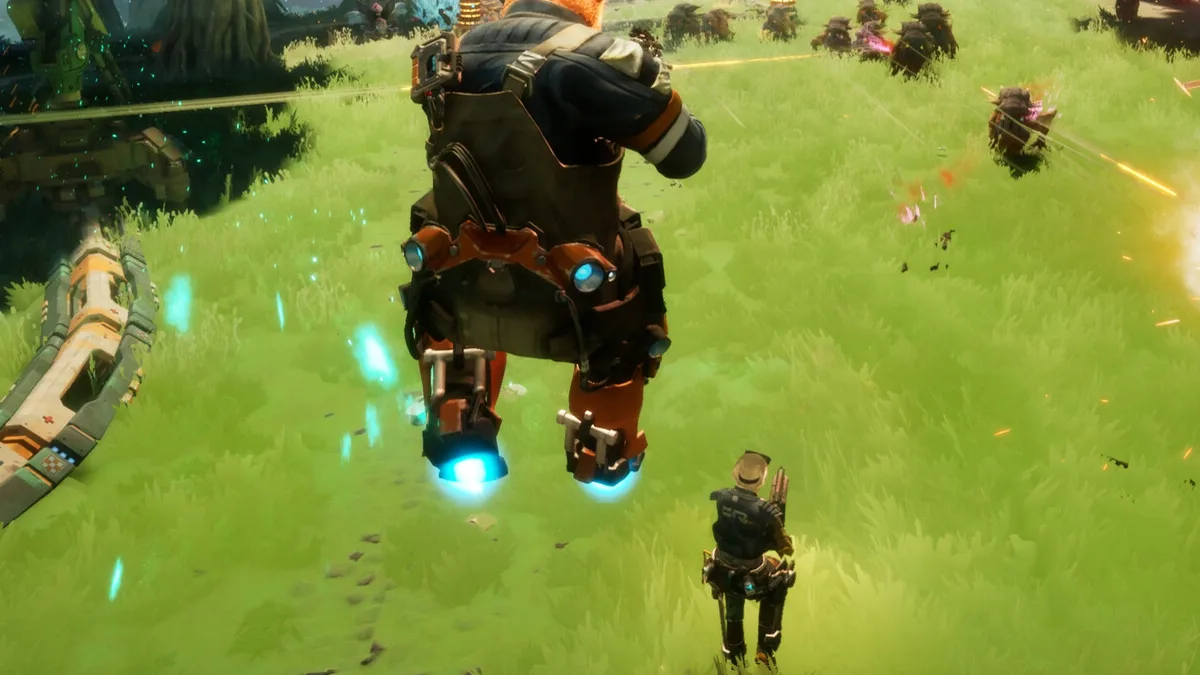
Official requirements
| Minimum | Recommended | |
|---|---|---|
| OS | Windows 10 64-bit | Windows 11 64-bit |
| CPU | Intel Core i5-7600K / AMD Ryzen 5 1600 | Intel Core i5-10600KF / AMD Ryzen 5 3600X |
| RAM | 8 GB | 16 GB |
| GPU | NVIDIA GTX 1660 / AMD RX 590 | NVIDIA RTX 2060 / AMD RX 5600 XT |
| DirectX | Version 12 | Version 12 |
| Storage | 10 GB | 10 GB |
| Network | Broadband internet | Broadband internet |
| Controller | Full controller support | Full controller support |
The 10 GB figure is the install size, not the download size; expect the download to be smaller and the installed folder to grow with patches.
What the minimum actually means
The minimum spec is a 1080p / 30 fps target with settings turned down. On a GTX 1660 and an i5-7600K:
- Expect 1080p at low-to-medium settings. The game will run, but the swarm will cost frames.
- Expect CPU pressure in four-player co-op. Physics, pathing and turret counts all scale with players.
- Expect longer load times. The 10 GB install is small, but the game streams planet content.
If you are below the minimum, the game may still launch. It will not be a good experience in a four-player wave.
What the recommended actually means
The recommended spec is a 1080p / 60 fps target at medium-to-high settings. On an RTX 2060 and an i5-10600KF:
- 1080p / 60 fps is realistic in solo and duo.
- Four-player waves will still dip when the swarm peaks and the base is full of turrets.
- 1440p is possible with settings reduced, especially if you cap the frame rate.
The game is not ray-traced and does not require an SSD, but an SSD improves load times noticeably.
The CPU matters more than you think
GRAVHOUNDS is a physics-driven builder with a lot of simulated objects: structures, pipes, turrets, enemies and thrown props. In a four-player session with a large base, the CPU is doing more work than the GPU.
Practical consequences:
- A strong GPU with a weak CPU will stutter in late waves.
- Player-hosted multiplayer puts the host's CPU under extra load, because the host simulates the session.
- Lowering crowd density or effects helps more than lowering resolution when the bottleneck is CPU.
If you are upgrading one part for this game, upgrade the CPU before the GPU.
Settings that matter
- Crowd density / swarm effects. The biggest CPU lever. Lower it first if late waves stutter.
- Shadows. The biggest GPU lever with the least visual loss in a dark, effect-heavy game.
- View distance. Matters on open planets; less so in caves.
- Motion blur. Off. It obscures the tells you need to dodge.
- V-Sync. Off if you have G-Sync/FreeSync; on if you see tearing.
Cap your frame rate slightly below your monitor's refresh rate for the most stable frame times.
Laptop notes
GRAVHOUNDS will run on a gaming laptop that meets the minimum, with two caveats:
- Thermal throttling shows up in late waves, not in the first five minutes. Test a full run before committing to a four-player session.
- Battery mode will not meet the minimum. Play plugged in.
If your laptop has a high-refresh display, cap at 60 fps for consistency rather than chasing 120.
Controller support
GRAVHOUNDS has full controller support on Steam. The game plays well on a controller because movement is analog and the Grav Beam is direction-based, but turret placement and base building are faster with a mouse.
A mixed setup — controller for combat, mouse for building — is not supported simultaneously in most cases; pick one per session.
Troubleshooting
Stuttering in late waves: lower crowd density, cap frame rate, close background apps. This is usually CPU, not GPU.
Low frame rate on a capable GPU: check that the game is using the discrete GPU, not integrated graphics. Update drivers.
Multiplayer lag but solo is fine: the host's connection or CPU is the bottleneck. Change host.
Crashes on launch: verify files, update DirectX and GPU drivers, and check the Steam community hub for patch-specific issues.
Long load times: move the install to an SSD.
A stable solo run is the baseline. If the frame rate holds in a four-player wave, your machine can host.
FAQ
Is GRAVHOUNDS on Mac or Linux? The Steam listing is Windows-only. There is no official Mac or Linux build.
How much storage does it need? 10 GB installed.
Will it run on a GTX 1060? Below the official minimum. It may launch, but expect low frames in co-op.
Does it support ultrawide? Not confirmed in the official material; check the community hub for current support.
Is 16 GB RAM required? Recommended, not minimum. 8 GB will run the game but struggles in four-player sessions.
Further reading
Summary
GTX 1660 / i5-7600K is the floor, RTX 2060 / i5-10600KF is the comfortable target, and the CPU is the part that decides whether late waves are smooth. The Game Pass guide covers the Xbox alternative; the beginner guide covers what to do once it runs.
More GRAVHOUNDS Guides
Build a GRAVHOUNDS base that survives escalating swarms: site selection, four defensive layers, power placement and layouts for solo to four players.
A first-shift walkthrough for GRAVHOUNDS: what to mine, where to build, how pipes pay for themselves, and when to call the ship.
A complete GRAVHOUNDS build for hard planets: rapid-fire crit weapon, turret support deck, Dozer mines and the exact 10-card Mod Deck.
The best GRAVHOUNDS character for solo, duo, four-player packs and boss runs, with the reasoning and the loadout each hound enables.
A practical GRAVHOUNDS Juggernaut guide: arena preparation, phase behavior, turret placement, team roles and the mistakes that wipe the base.
How GRAVHOUNDS builds work: the 10-card Mod Deck, Showstoppers, weapon choices and the stack rules that decide whether a run snowballs.